One tap takes you from the cafe page to the menu
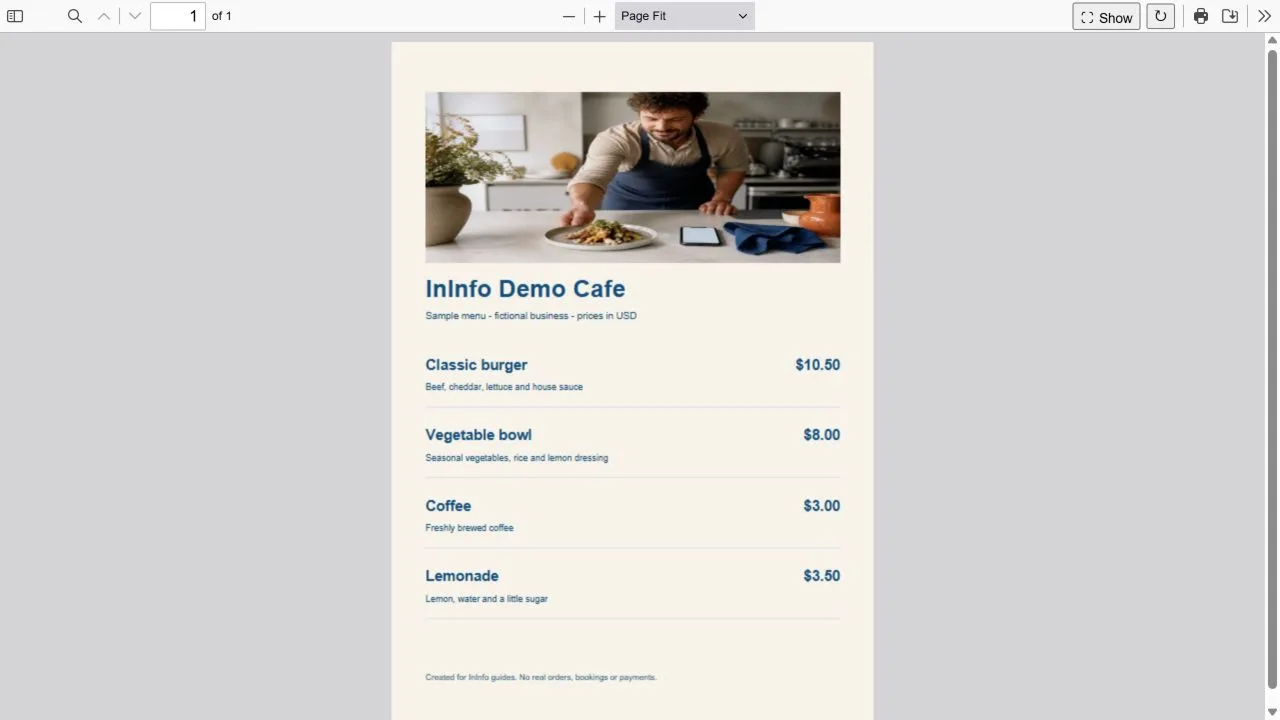
Nook is fictional, but its page was built and published in InInfo. Open it and tap “View file”: the built-in viewer shows the PDF, keeping photos, dish layout and prices. Close the document to return to the cafe map and contacts. Use the same page as your starting point in the InInfo builder: after sign-up or login the create button opens your own draft.
“View file” shows the document in the design you prepared.
Zoom in to read ingredients and prices comfortably.
Close the document to find the address, opening hours and contacts.
You do not need to save a separate PDF to Downloads and find it among your phone files. The browser still receives file data over the internet to display the document, so a connection is needed. “Download file” is there for visitors who want a copy.
How your menu gets onto the cafe page
Click the create-page button and sign up or log in to InInfo. The template opens in the builder: replace the cafe name and contacts, choose an address, then save and publish. PDF upload becomes available after the first save.
In the same InInfo editor, open the file block and choose a PDF smaller than 20 MB. After upload, save and publish again. Visitors can now open the menu with “View file”.
Open your page on a phone and tap “View file”. Try choosing dishes, reading ingredients and prices, zooming small text and returning to the cafe contacts. You can spot anything that needs adjusting before guests do.
Read the menu on the screen your guests will use
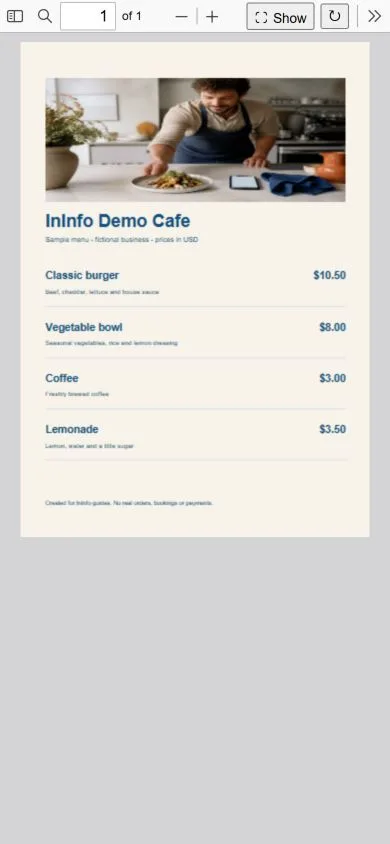
A PDF keeps the sizes and arrangement you chose in its design. Small captions in a printed menu will also look small on a phone. Before publishing, try choosing a dish on your phone: read ingredients, find the price and try zooming. If you keep enlarging individual lines, split the menu across more pages with larger type.
Waiting time matters too. If the PDF has large photos, reduce their size in the source document and save again. Try opening it over mobile internet, as guests might at a table. Check the background too: clearly visible dish names, ingredients and prices make choosing food easier.
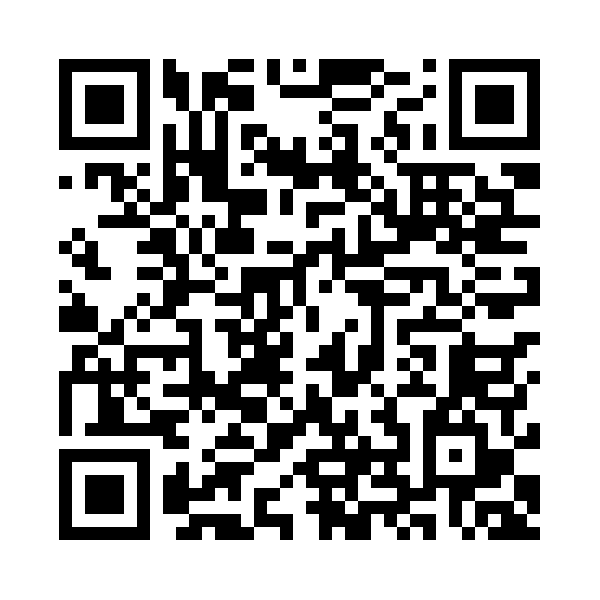
The QR opens your page with its menu
Once the page is ready, put its QR on tables, at the counter or in the printed menu. The Nook code below lets you try opening a page with a document on your phone. Your cafe gets a QR for its own page address. Later, replace the PDF while keeping that address, and the table code will still open the page with the current menu.
You may later want to show individual dishes in more detail
A finished PDF keeps the design you have already prepared. When you want a larger photo and ingredients for each dish, with separate breakfasts and desserts, add an InInfo catalog. Fill its individual cards with images, descriptions and prices. You can connect a basket to send an order.
| What you need | A single PDF menu | Individual dish cards |
|---|---|---|
| Use the finished design | Upload the existing file | Transfer dishes into cards |
| Read on a phone | Zoom in on small text | Cards adapt to screen width |
| Group dishes | Sections in the document | Categories such as breakfasts and desserts |
| Collect several dishes in an order | PDF does not select items for a basket | Basket and order submission available |
| Share the menu | Page link or QR | Page link or QR |
Choose the way that suits you to start
- If your menu is ready as a PDF, start with that and check phone readability.
- Use catalog cards when you want individual photos and more detail about each dish.
- Put both on one page if useful; update PDF and card prices separately.
- Leave cafe contacts beside the menu so guests can ask anything the page does not explain.
Nook is fictional. Its menu, photos and prices are examples.
What to do next
Create your first QR menu from a PDF: step-by-step instructions.
Update the menu and keep the QR you have already printed.
Creating and publishing are free
Registration, creating a page and publishing are available without payment or a bank card. Pages have an InInfo credit at the bottom. Check your account for its current features and limits.
Try opening your cafe menu on a phone
Use the button below to open the template in the InInfo builder. After sign-up or login, your draft lets you change the cafe name, map and contacts. Save, upload your PDF and check it on a phone. Creating and publishing in InInfo are free; once ready, share the link and get a QR for your tables.
Create a page with my PDF