Menus, services and photos — on your website
A cafe owner wants to show guests the menu, a stylist wants to introduce their work, and a photographer wants to talk about shoots and hear a first question about dates. Each page has its own story. These five articles use ready-made examples to show how to build your own InInfo website and make it useful to the people who visit.
Create a free pageThe editor and publishing are free. No coding required.
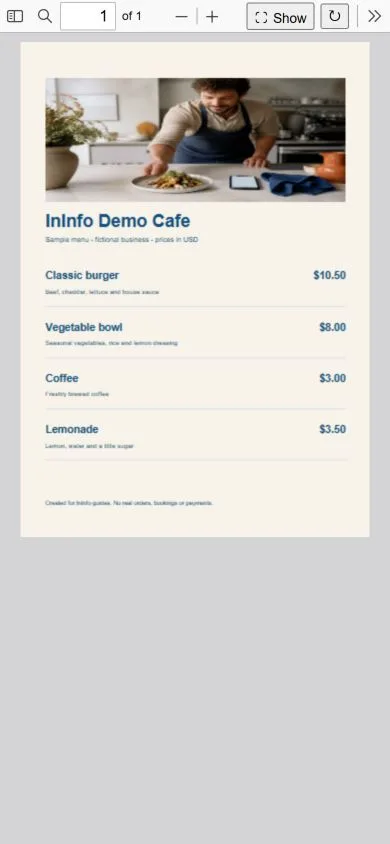
How to make a free QR menu for a cafe from an existing PDF
Have a menu ready as a PDF? Upload it to InInfo, add your cafe address and contacts, and get a link and QR code for guests.
Read the article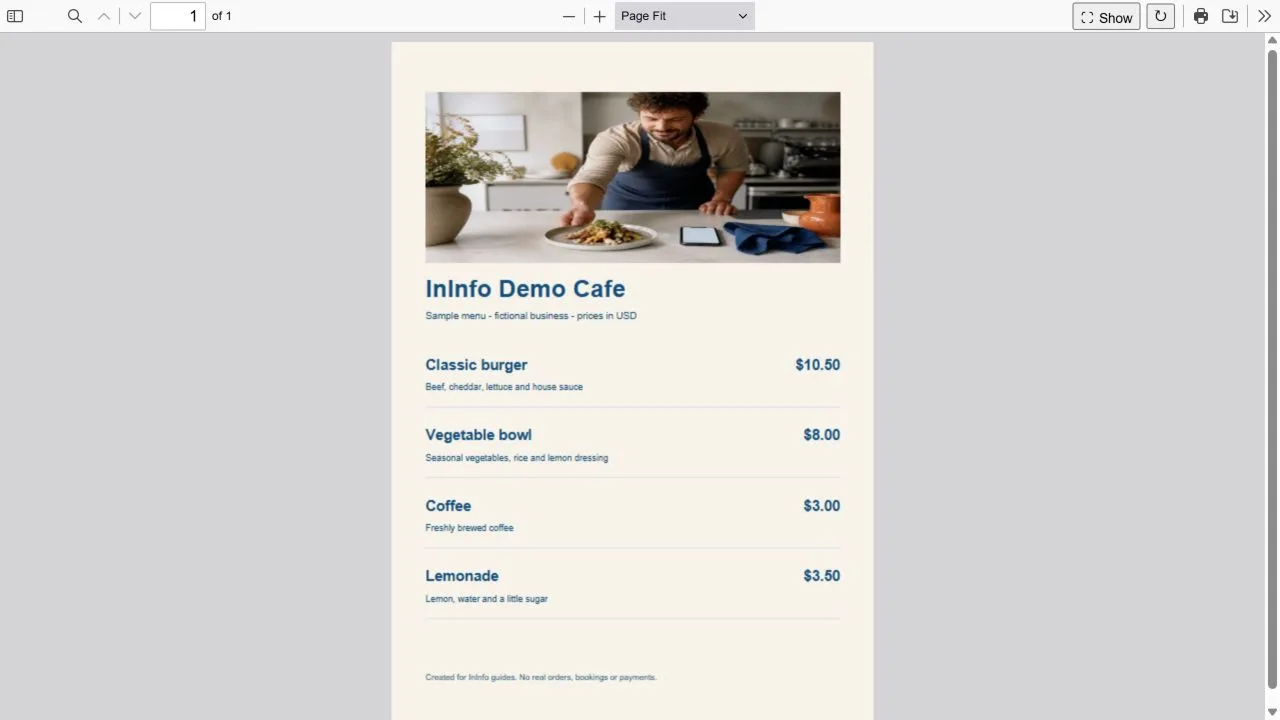
How to update a cafe menu and keep your printed QR code
Replace the PDF or edit dish prices on your InInfo page. As long as the address stays the same, guests can use the existing QR.
Read the article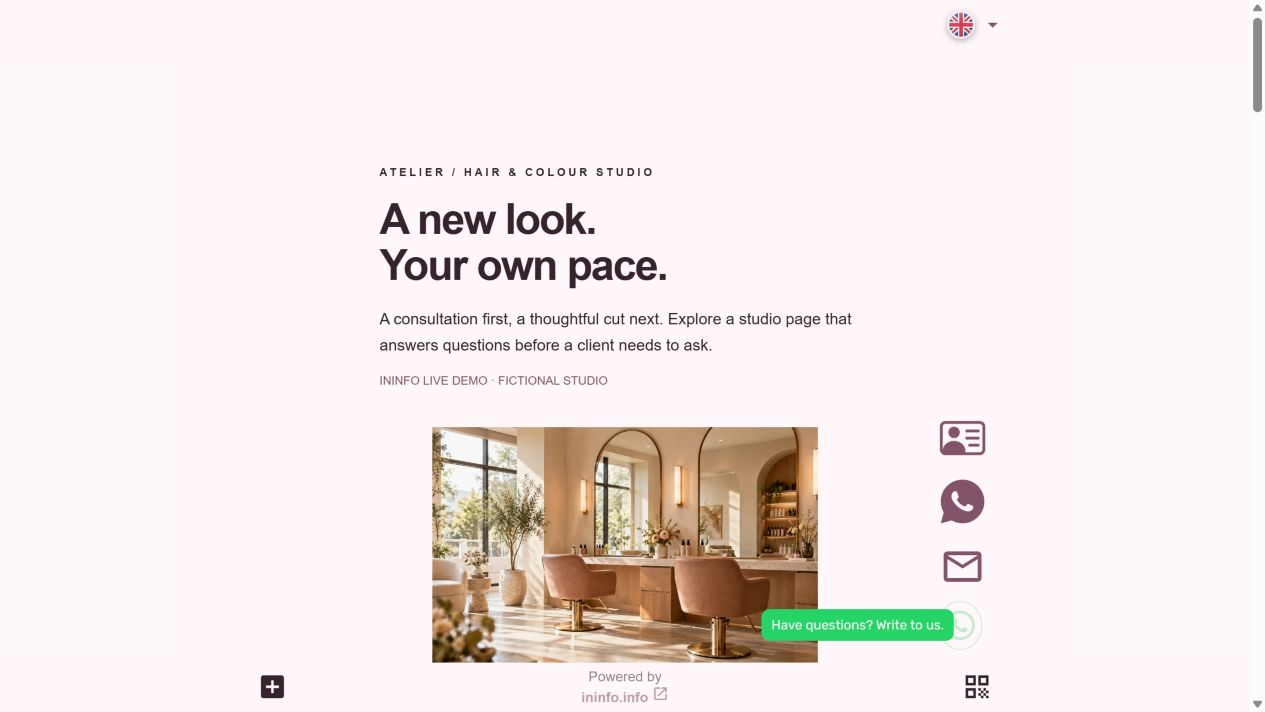
How to build a salon website with prices, photos and appointment requests
Put salon services, prices, photos and contacts on a free page. Clients can message you or leave their appointment preferences.
Read the article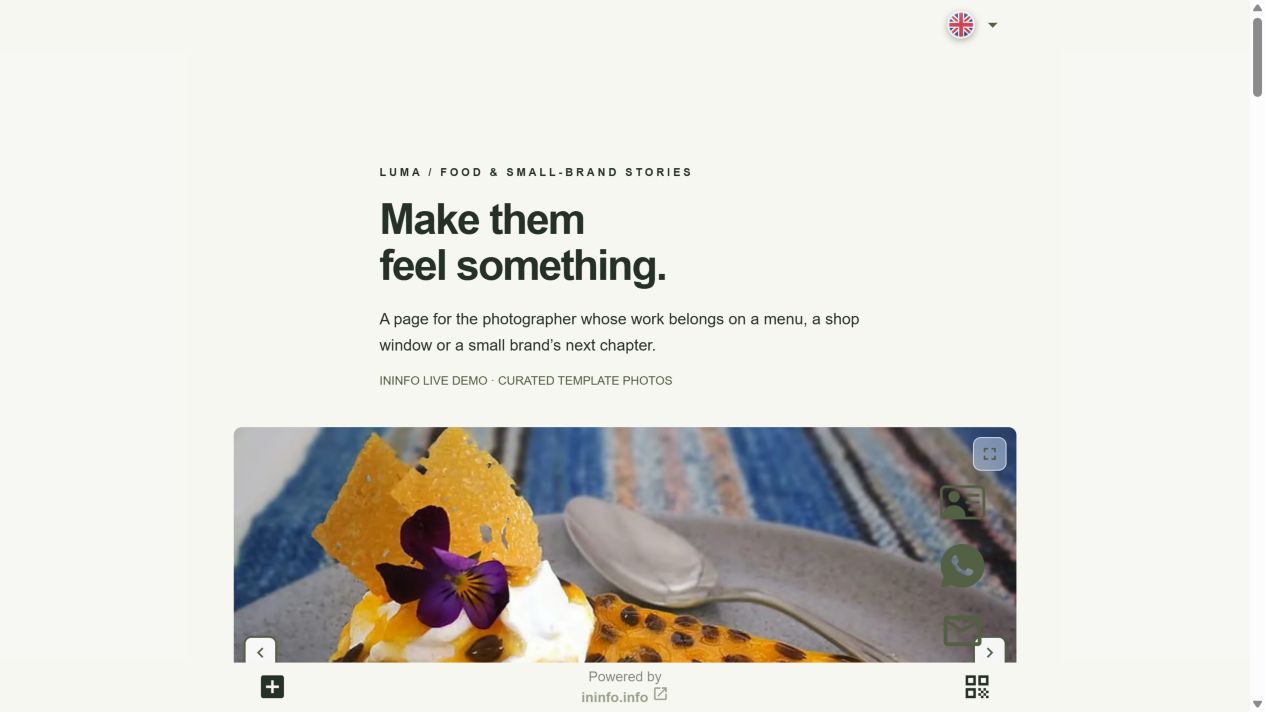
How to create a photographer website in InInfo: portfolio, services and enquiries
Build a free photographer website with InInfo: start from a ready-made portfolio and add your photos, services, contacts and enquiry form.
Read the articleHow to open a PDF menu on a phone without saving the file
Follow a guest from the table QR to the open menu and see what makes reading a PDF on a phone easier.