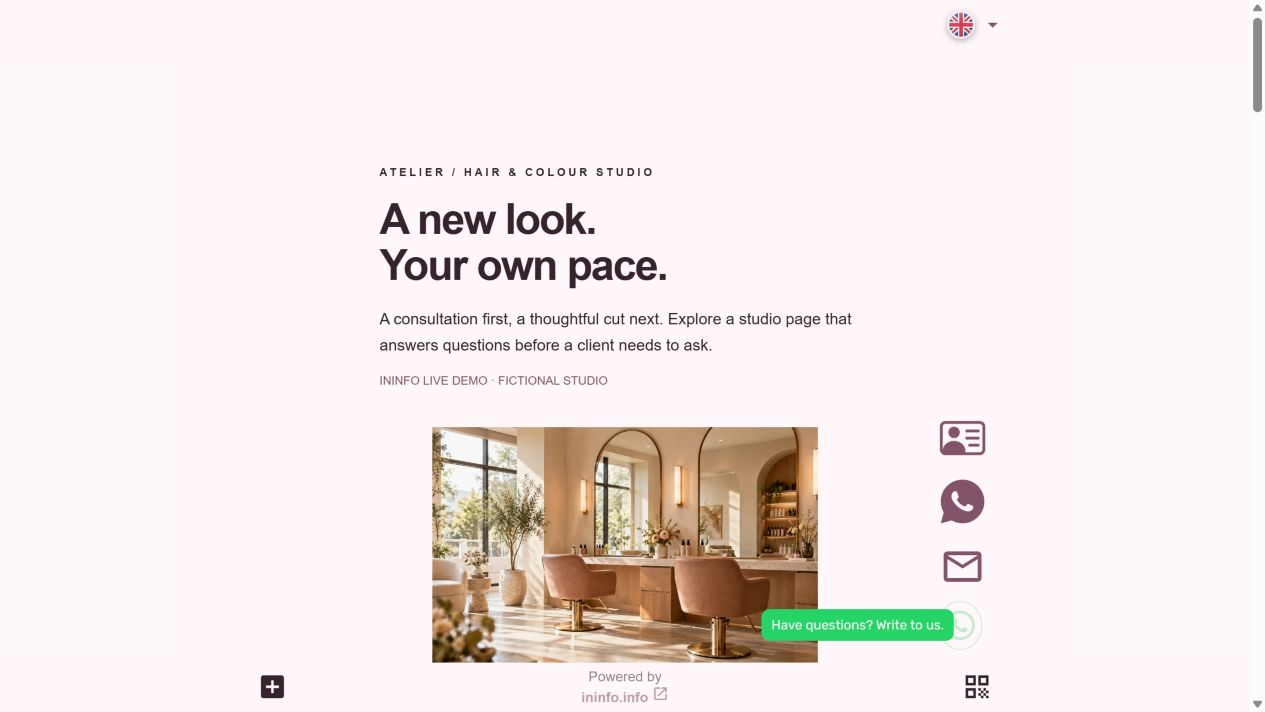
A service clients can understand before they message
Atelier is a fictional salon demo. Here is a service card with a price, duration, inclusions and a clear explanation of variable pricing — ready to adapt to your business.

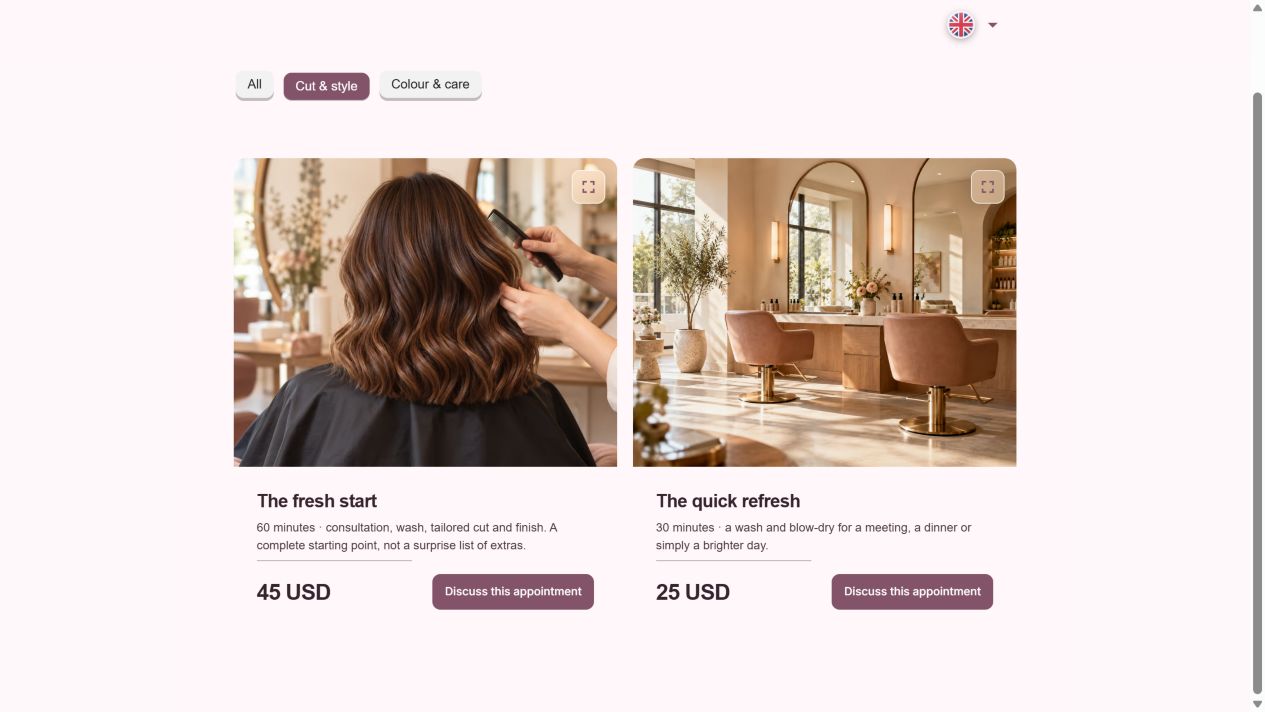
Cut and style
from $45 · 60 minutes
Consultation, wash, haircut and styling.
The price depends on hair length and complexity. Agree the final amount with your client before starting.
- Look at the first service card: price, duration and inclusions sit together.
- Browse the gallery and common questions. Floating contacts stay within reach.
- Choose a service and suggest a time in the form. The stylist confirms an actual appointment separately.
Answer fewer repeat questions in messages
Go beyond a service name and a number. Say what is included, how long it takes and when the price may change. Put a photo beside it. Clients can choose more easily, and you do not have to explain the price list from scratch each time.
The client suggests a time. You confirm it.
The example has a form for a service, preferred time and reply contact. This is an enquiry, not an automatically reserved slot: the stylist checks the details and confirms personally. Floating WhatsApp and call buttons also let clients contact you directly.
Where to put the price-list link
Add it to your salon profile, send it in replies about prices and print its QR on business cards or the reception desk. When services change, edit the page. Clients see the current terms at the same link.
Your first price list already has a design
After login, a styled draft opens with service cards, a gallery, contacts and a form. Replace the sample details with your own. Keep the request form or remove it if you prefer messages.
- Open the template and sign up or log in.
- Replace the salon name and photos; keep the services you offer.
- Enter prices, durations and terms, plus your contact for enquiries.
- Choose an address, save and publish. Test the form and contact buttons on a phone.
The editor and publishing are free. No coding required.
Before you start
Is it free?
Registration, creating a page and publishing are available without payment or a bank card. Pages have an InInfo credit at the bottom. Check your account for its current features and limits.
What happens when I click the button?
After sign-up or login, a new draft opens from the example. It is not published automatically. Replace the fictional business details and contacts with your own, then save the page.
Check before publishing
Before you share
- Explain variable prices and what each package includes.
- Check that the phone number or booking link reaches your business.
- Review the published list whenever your services or prices change.