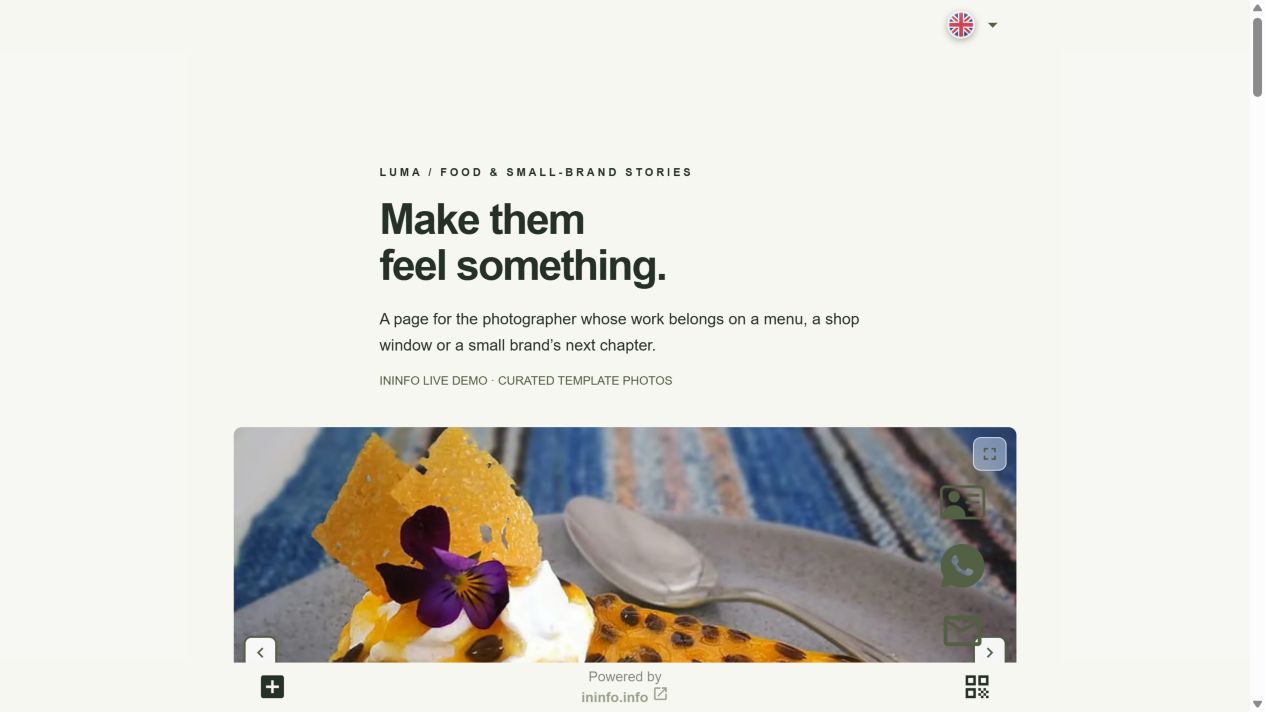
Here’s a series. Here’s an enquiry it could inspire.
Luma is a demo portfolio. Beside its real gallery is a fictional cafe owner’s request: a sample of what someone might write, not a received customer enquiry.
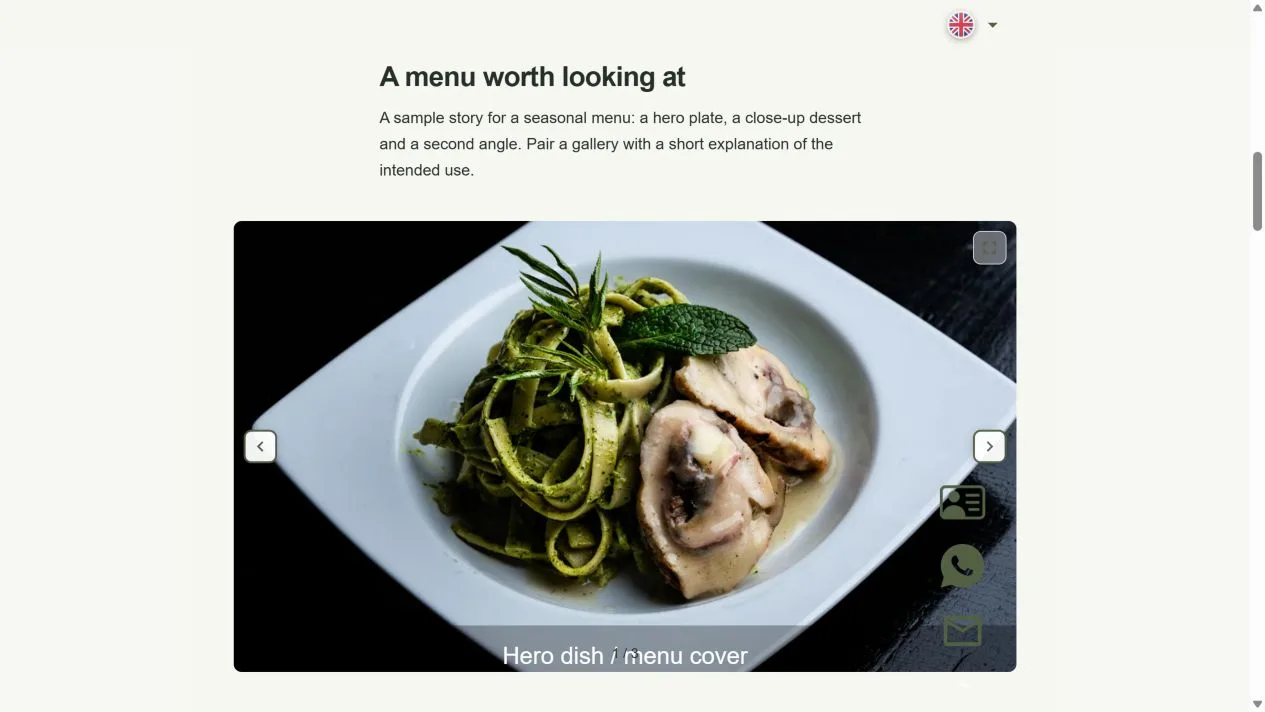
- Browse the food series and the cafe photography package.
- Compare it with the sample enquiry: the task, date and place are already clear.
- Open the form: budget can be left blank; a reply contact is needed.
What to put in your first portfolio
Choose a few strong series instead of your entire archive. Say where you work and what you shoot. Explain the duration, deliverables and photo delivery times, and add a working contact. That gives a client enough to see whether you fit their task.
Show the series your client is looking for
A cafe owner wants food photos, a family wants portraits, a designer wants interiors. Put related images in galleries and explain the task behind each series. Place the relevant service package beside it: what is included and how you price it.
From looking at photos to asking about a shoot
A form collects the task, date, place and reply contact. Budget is optional: leave it blank or choose that you are still exploring. You answer personally and agree the terms and date. Sending an enquiry does not reserve a shoot.
Show your next client your work
Open the styled template and replace the series with your photos. Add your city, shoot terms and contact. Keep the form for requests or remove it if you prefer a conversation.
- Open the template and sign up or log in.
- Replace the series with your work; enter your name and city.
- Describe packages and terms, and set your contact for requests.
- Choose an address, save and publish. Check the mobile view and share the link.
The editor and publishing are free. No coding required.
Before you start
Is it free?
Registration, creating a page and publishing are available without payment or a bank card. Pages have an InInfo credit at the bottom. Check your account for its current features and limits.
What happens when I click the button?
After sign-up or login, a new draft opens from the example. It is not published automatically. Replace the fictional business details and contacts with your own, then save the page.
Check before publishing
Before you share
- Use only images and client details you have permission to publish.
- Test the contact link and check image quality on a mobile connection.
- Keep your strongest current examples and remove outdated package information.